Biometrics Time Attendance with WIFI Face recognition Fingerprint Password ZKTECO Biometric Time in time out Recorder Office Time Attendance All-in-one Machine English interface
Software-free installation in just three stepsFrom now on, there is no need to connect the attendance machine to the computer for setting, and the simple setting can be done directly on the attendance machine without software installation. It only takes 3 steps to complete the fingerprint and face entry, which is convenient and fast100,000 massive recordsLarge-capacity high-speed memory, with a huge record capacity of 100,000, suitable for enterprises of various sizesReal voice promptsAdd real voice prompts, increase the sense of sign-in ceremony, support simplified and traditional Chinese, English, Spanish, Portuguese, KoreanU disk high-speed download reportNo need to connect to the Internet, automatic reports, upload and download data from U disk, and easily complete attendancePower outage punch cardThe machine has a built-in battery, which can work continuously for 4 hours in a power outage.Name:Software-free color screen fingerprint attendance machineBody size: 178 X138 × 40mmLCD: 22.8-inch TFT color screenSoftware: No software/A1 softwareCommunication method: U basinOther features: Internal bell, name display, smart updateVoice prompt: Chinese/English dual voiceTrue rejection rate (FRR): ≤0.01%False Recognition Rate (FAR): ≤0.0001%Authentication method: fingerprint, passwordAttendance speed: ≤0.75 secondsFingerprint storage capacity: 1000 piecesAttendance record capacity: 100,000Installation Notes1. Make 3 marks on the wall, and punch 3 holes where the marks are made;2. Insert the expansion coil into the marked hole, and take out the expansion screw from the expansion coil;3. Align the fixing bracket with the holes, and screw the expansion screws into the expansion coil through the 3 holes of the fixing bracket;4. Hang the attendance machine on the expansion screw.

MarketingPH

Review
You May Also Like
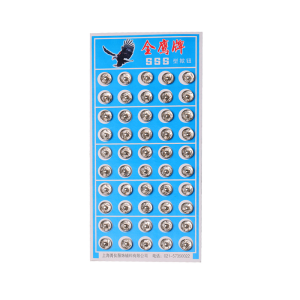
YoPo Metal Snap Fasteners Press Button Black / Silver
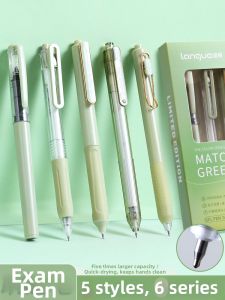
Languo | Quick Drying Click ST Nib Black Pen
Footprints Premium Quality Photo Printing Services Wallet Size 2R 3R 4R 5R A4 Picture Size Waterproof Scratchproof Non-fading Prints for Personal Memories
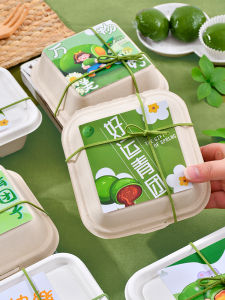
AMW | Food Packaging Stickers Gift Box Wrapping Paper Baking Cookies Waist Seal Paper
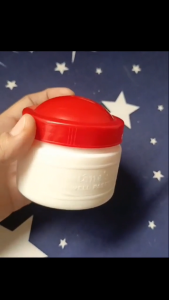
KAFIFI Redtones Water Well Paste – Multipurpose Paste Adhesive for School & Office Supplies
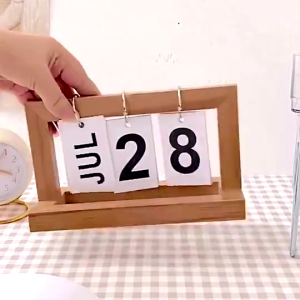
Wooden Calendar Nordic Simple Style Multicolor Flipping Wooden Desk Calendar Page Calendar
Kayou | DIY Painting By Numbers Beautiful Woman Picture on Canvas Paint By Numbers Figure Digital Painting Kits Home Decor
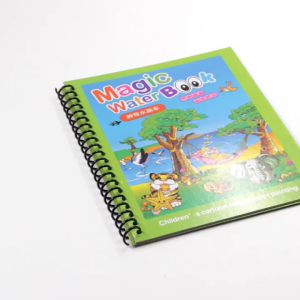
NFS Magical Water Painting Book Reusable Magic Drawing Coloring Book for Kids Children Graffiti Gift
COD Not a complete set of badge materials only the shell panel without bottom and film 25-58mm badge

Customized Personalized Notebook for Writing and Composition
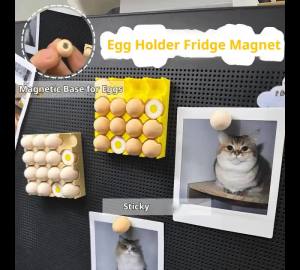
Mini Simulation Steamed Buns/Dumplings/Eggs Fridge Magnet 3D With Steamer Refrigerator Magnet Fridge Decorative Home Kitchen