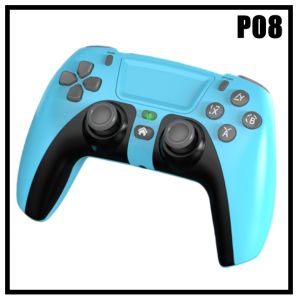
P08 Wireless Gamepad Gaming Controller Type-C Input support Six-Axis Gyroscope for PS 3 PS 4 Android/IOS Switch & PC
P08 Wireless Gamepad Gaming Controller Type-C Input support Six-Axis Gyroscope for PS 3 PS 4 Android/IOS Switch & PC
Introduction to P08 Wireless Gamepad
The P08 Wireless Gamepad is a versatile gaming controller designed for a wide range of platforms, including PS3, PS4, Android, iOS, Switch, and PC. It features a Type-C input, six-axis gyroscope, and customizable controls to enhance your gaming experience.
Product Overview
The P08 Wireless Gamepad comes with a Type-C cable, allowing you to connect it to various devices effortlessly. It includes a user manual to guide you through setup and customization options.
Key Features
- Type-C Input: Connect the P08 Wireless Gamepad to any device with a Type-C port, ensuring compatibility with modern platforms.
- Six-Axis Gyroscope: Experience immersive gameplay with the six-axis gyroscope that tracks your movements accurately.
- Customizable Controls: Adjust button mappings and sensitivity settings to suit your preferences and gaming style.
How to Use P08 Wireless Gamepad
Getting started with the P08 Wireless Gamepad is simple and straightforward.
Connecting to Devices
To connect the P08 Wireless Gamepad to your preferred platform, follow these steps:
- Charge the gamepad using the included Type-C cable.
- Power on the gamepad by pressing the power button.
- Pair the gamepad with your device using Bluetooth or USB connection.
Customizing Controls
Personalize your gaming experience by customizing controls according to your preferences:
- Adjust button mappings to match your preferred layout.
- Fine-tune sensitivity settings for precise control.
P08 Wireless Gamepad Compatibility
The P08 Wireless Gamepad is compatible with various platforms, including PS3, PS4, Android, iOS, Switch, and PC.
Supported Platforms
- PS3: Connect the gamepad via USB or Bluetooth for seamless gameplay.
- PS4: Enjoy wireless connectivity using Bluetooth or USB connection.
- Android: Pair the gamepad with your Android device via Bluetooth for gaming on-the-go.
- iOS: Connect the gamepad to your iOS device using Bluetooth for a seamless gaming experience.
- Switch: Use the P08 Wireless Gamepad with your Nintendo Switch console for enhanced gameplay.
- PC: Connect the gamepad to your PC via USB or Bluetooth for versatile gaming options.
Connection Methods
The P08 Wireless Gamepad supports both USB and Bluetooth connections, allowing you to choose the most convenient method for your setup.
P08 Wireless Gamepad: A Comprehensive Guide
Discover how the six-axis gyroscope enhances your gaming experience with the P08 Wireless Gamepad.
Understanding the Six-Axis Gyroscope
The six-axis gyroscope in the P08 Wireless Gamepad tracks your movements in six directions, providing accurate control and immersive gameplay.
Enhancing Your Gaming Experience
The P08 Wireless Gamepad offers several features that enhance your gaming experience:
- Type-C Input: Connect the gamepad to various devices effortlessly using the Type-C port.
- Customizable Controls: Adjust button mappings and sensitivity settings to suit your preferences and gaming style.
- Six-Axis Gyroscope: Enjoy precise control and immersive gameplay with the six-axis gyroscope.
Conclusion and Final Thoughts
The P08 Wireless Gamepad is a versatile gaming controller that supports multiple platforms, including PS3, PS4, Android, iOS, Switch, and PC. With its Type-C input, six-axis gyroscope, and customizable controls, the P08 Wireless Gamepad provides an enhanced gaming experience for all types of gamers.

weiweishop
Review

You May Also Like
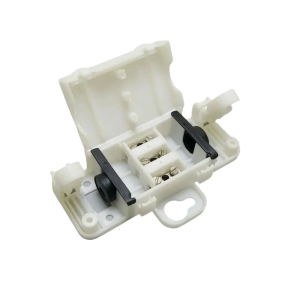
Portable Outdoor Junction Box with IP54 Waterproof Protective Accessory Convenient for Electrical Projects Supplies
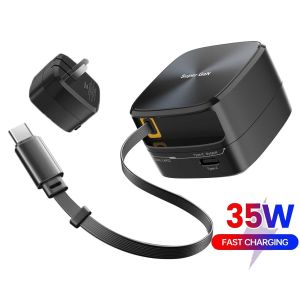
Super GaN Fast Charging Charger 35W Retractable Wire Charger: A Comprehensive Guide
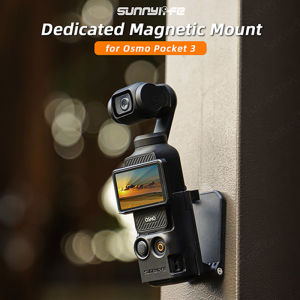
For DJI Osmo Pocket 3 Magnetic Camera Desktop Base Stand Holder Expansion Adapter Mount Bracket Adjustable Clip Clamp Mount
Portables Gas Canister Support Base Fuels Tanks Stabilizers with Nonslip Base for Gas Tanks Storage Outdoors
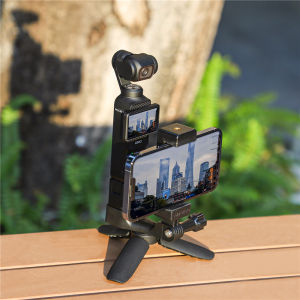
Front Frame Phone Holder for DJI OSMO Pocket 3 Cold Shoe Mount Foldable 1/4 Screw Adapter Camera Accessories
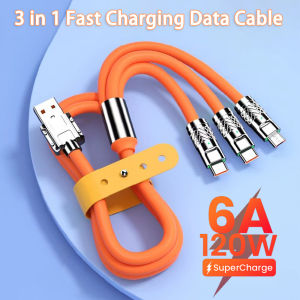
120W 6A 3 in 1 Super Fast Charger Type C Liquid Silicone Cable Quick Charge Micro USB Cable
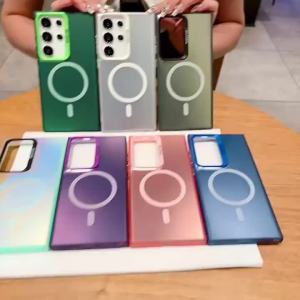
For casing Oppo A38 4G A58 4G A58 5G A78 4G A78 5G Oppo A18 A98 5G phone case hard case TPU protector shockproof cover new design aesthetic wireless magnetic attraction cybswx01
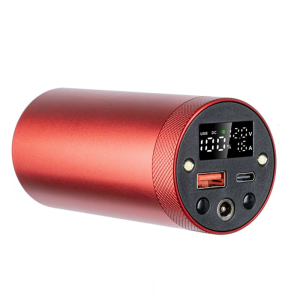
Professional 46950 DIY Mobile Power Backup Shell with Aluminum Alloy Enclosure and Intelligent Heat Dissipation Design
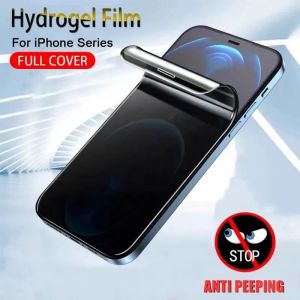
For Samsung Galaxy S20 Ultra Plus FE 5G Soft HD Hydrogel Film Full Cover Screen Protector privacy Matte
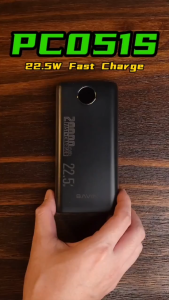
BAVIN PC051 20000mAh Digital Display Fast Charging Powerbank 22.5W Widely Compatible for iPh 16 Series & Android Devices
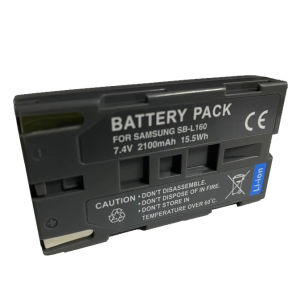
Applicable to Samsung SB-L110A Battery Charger SB-L160 VP-L750 VP-L3000 SC-L610 SC-L810 SC-W73 SB-L160DV Camera Fixed Charger Accessories