



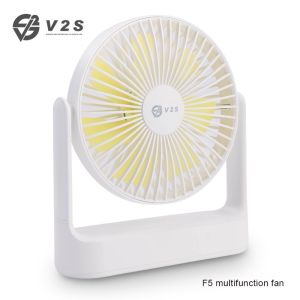
V2S F5 Up to 4 Speed Multifunction 7 Blade Fan Desktop Wall Ceiling Fan Three in one Fan
Product DescriptionAppearance description:Front shell = (Detachable)Back shell = type-C input portBack Switch Gear positionOperating instructions:A.) Switch mode switchingWind mode switching:Press the key to start(first gear)and press the switch to change first gear/second gear/third gear/fourth gear/shut down mode ,the product will be shutdown when pressing any gear a little longtime.Fan not startedFirst Gear ◙Second Gear ◙◙Third gear ◙◙◙Fourth gear ◙◙◙◙B.) Angle adjustmentFlip up and down: The fan can be turned up and down 300 degreesC.) How to cleanRemove the shellPress the mask frame with both hands and rotate it anti-clockwise until you hear a "click". Grasp the edge of the mask with both hands and take it out vertically.Attention for cleaning and maintenance1.Before cleaning the product, The power supply mast be turn off.2.Front shell can be cleaned by water, leafs and back shell can be cleaned with duster cloth.3.It is forbidden to clean electrical components (such as motor, power switch, charging port, etc.) with water or other liquids.4.Do not touch the power supply and electrical components with wet hands or rags. Install the maskGrasp the edge of the mask, place the rear mask vertically downward, press and hold the mask frame with both hands, and rotate clockwise until you hear a "click".D.) Charging instructions:When charging: the red light flashesWhen full: the red light is always onProduct parametersProduct model:F5 fanProduct size:203mm 187mm 58mmInput:5.0V=3AFan power:5.0wBattery capacito:2000MAhExecutive standard: GB 4706.1-2005/GB 4706.27-2008Packaging accessories:1 x Fan1 x Type-C charging line

V2S Direct Store
You May Also Like
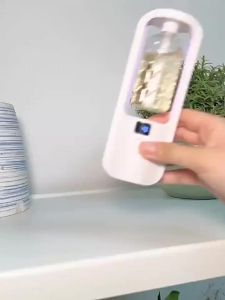
Automatic Aroma Diffuser Humidifiers Air Freshener Fragrance Essential Oil Diffuser Digital Display Rechargeable Fragrance Machine

Ice Cream Burger Machine Commercial Electric Single Head Rotating Circular Embryo UFO Commercial Use
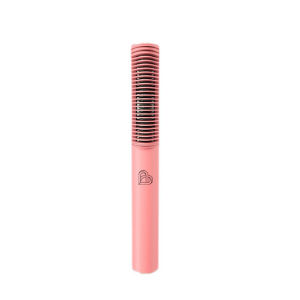
Negative Ion Straight & Curl Hair Styler

Alpicool T Series Dual Temperature Control 12 Volt Refrigerator Portable Car Fridge Freezer (-4°F~68°F) for Truck RV Boat Camping and Travel
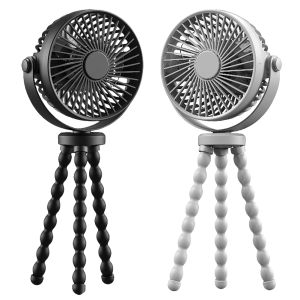
【Clearance sale processing】 Compact Handheld Mini Fan with USB Charging 3 Speed Portable Fan for Outdoor Activities and Indoor Cooling in Stylish Design
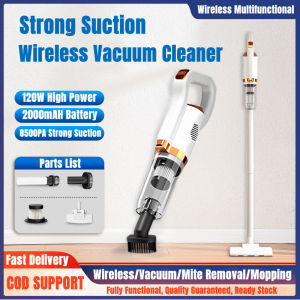
Wireless Vacuum Cleaner Handheld Electric Sweeper 8500Pa 120W Powerful Cordless Home Car Remove Mites Dust Cleaner
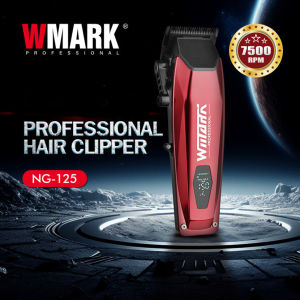
WMARK NG-125 Professional Barber Salon LCD digital display hair clipper for oil head Cordless Trimmer Razor Barber Razor
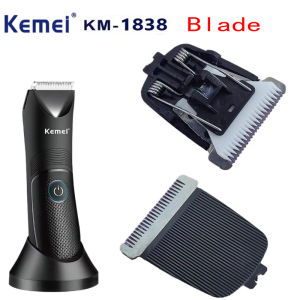
Kemei | Kemei KM-1838 Trimmer Replacement Blade Genuine Original Factory Replacement Blade Accessories.For KM-1838/1840/1845/1846
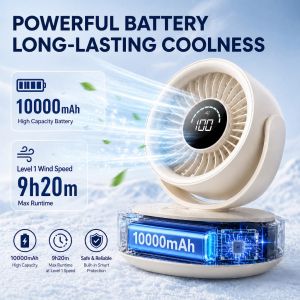
Portable Mini Fan 10000mAh Rechargeable USB Desk Fan Quiet Strong Wind Long Battery Small Fan for Office Camping
![[COD] WHPHous Ship within 24 hours Suitable For All Kinds Of Electric Hair Clippers Innovative And Practical Power Cord 5V Replacement Charger USB Adapter](https://img.lazcdn.com/g/p/6ebd4a2db2df8b30e73c4cc88065e55a.jpg_300x300q80.jpg)
[COD] WHPHous Ship within 24 hours Suitable For All Kinds Of Electric Hair Clippers Innovative And Practical Power Cord 5V Replacement Charger USB Adapter

APC Kaisa Villa 6 Liters Multifunctional Air Fryer Non Stick No Oil Needed Healthy Cooking Large High Capacity Air Fryer
![[LUMENA] MIST STAND Rechargeable Dual Humidifier | Aesthetic Wireless Table Lamp & Cool Mist | Premium Bedroom Decor](https://img.lazcdn.com/g/ff/kf/Sab3e73a70a3540c1bc9c70cc33864e3b7.png_300x300q80.png)


















