Keyboard Cleaning Brush: Microfiber Duster Brush & Anti Dusting Brush
Keyboard Cleaning Brush: Microfiber Duster Brush & Anti Dusting Brush
Introduction
Maintaining a clean keyboard is essential for optimal performance and hygiene. In this article, we will explore two popular keyboard cleaning tools: Microfiber Duster Brush and Anti Dusting Brush. We'll discuss their features, how to choose the right tool, step-by-step usage instructions, and the benefits they offer.
What Are Microfiber Duster Brush & Anti Dusting Brush
Key Features of Microfiber Duster Brush
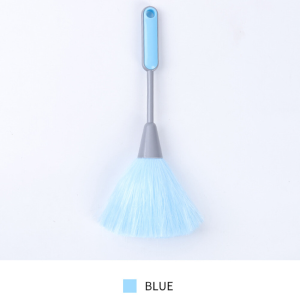
The Microfiber Duster Brush is a versatile cleaning tool designed to remove dust and debris from keyboards, computer monitors, and other electronic devices. It features:
- Ultra-soft microfiber bristles that won't scratch surfaces
- A compact design that fits easily into tight spaces
- A long handle for easy reach
Key Features of Anti Dusting Brush
The Anti Dusting Brush is another effective cleaning tool that prevents dust from accumulating on keyboards and other electronic devices. It has:
- Stiff bristles that effectively remove stubborn debris
- A rubber base that grips onto surfaces securely
- A convenient design that allows for quick cleaning
How to Choose the Right Keyboard Cleaning Tool
When selecting a keyboard cleaning tool, consider the following factors:
- Surface sensitivity: Choose a tool with soft bristles if your keyboard has a delicate surface.
- Cleaning efficiency: Opt for a brush with stiff bristles if you need to remove stubborn debris.
- Convenience: Select a tool that fits easily into tight spaces and is easy to store.
Comparison Between Microfiber Duster Brush & Anti Dusting Brush
| Feature | Microfiber Duster Brush | Anti Dusting Brush | | --- | --- | --- | | Bristles | Soft | Stiff | | Handle | Long | Short | | Base | None | Rubber | | Best For | Delicate Surfaces | Stubborn Debris |
How to Use Microfiber Duster Brush & Anti Dusting Brush
Step-by-Step Guide to Using Microfiber Duster Brush
- Gently brush the Microfiber Duster Brush over the keyboard, moving in a back-and-forth motion.
- Focus on areas with visible dust or debris.
- Clean the brush by rinsing it under running water or wiping it with a damp cloth.
Step-by-Step Guide to Using Anti Dusting Brush
- Press the rubber base of the Anti Dusting Brush onto the keyboard.
- Gently move the brush back and forth to remove dust and debris.
- Clean the brush by rinsing it under running water or wiping it with a damp cloth.
Benefits of Using Microfiber Duster Brush & Anti Dusting Brush
Cleaning Efficiency & Effectiveness
Both Microfiber Duster Brush and Anti Dusting Brush offer efficient cleaning solutions for keyboards and other electronic devices. They effectively remove dust and debris, ensuring optimal performance and hygiene.
Long-Term Maintenance & Durability
These cleaning tools are designed to last, making them a cost-effective investment for long-term maintenance. Regular use will help keep your keyboard clean and extend its lifespan.
Conclusion & Final Thoughts
In conclusion, both Microfiber Duster Brush and Anti Dusting Brush are excellent choices for maintaining a clean keyboard. By considering the key features, choosing the right tool, and following the step-by-step usage instructions, you can ensure optimal performance and hygiene for your keyboard. Remember to regularly clean your keyboard to prevent dust buildup and extend its lifespan.

Anglebabylife
You May Also Like
Universal Steel Wire Brush: A Multifunctional Cleaning Tool for Metal Derusting & Kitchen Clean
Wood Cabinet Drawer Handles & Pulls: A Comprehensive Guide

Concealed Hydraulic Buffer Door Closer: Hidden Door Closer with Adjustable Closing Speed
Red Dot Sight Scope 3.25MOA & Laser Levelling Tool 20mm Mount for Glock Accessories
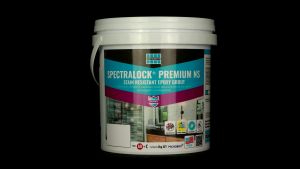
LATICRETE® SPECTRALOCK® PREMIUM NS Grout (2kg)
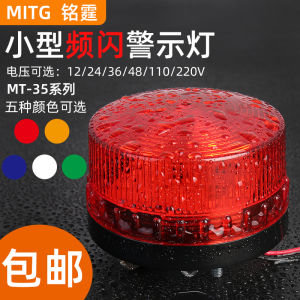
Small Sound and Light Warning Light Strobe Alarm Light Led Shiny Security Outdoor Booth Signal Light 220V with Buzzer

KANKA Color steel tile waterproof self-adhesive membrane Roof tape sealant waterproof Roof leak repair Strong butyl waterproof heat insulation waterproof tape sticker Aluminum waterproof tape - Lazada
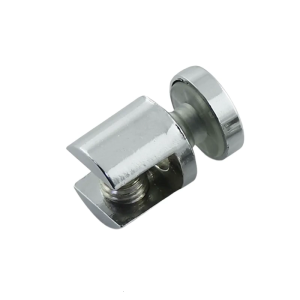
Furniture Connector Glass Clamp Holder Bracket for 10-12mm Thick Glass Metal Fixed Clamp Adjustable Shelf Corner Bracket
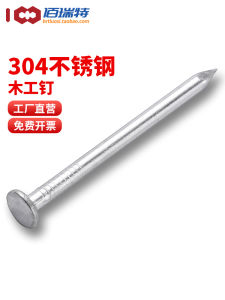
Handmade Woodworking Nails round DIY Tools Hardware 304 Stainless Steel Long for Real Wood Board Home Use Wall Nails Small
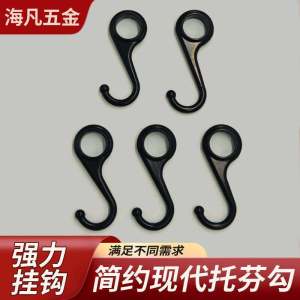
Modern Simple Black Kitchen Hook Home Goods Zinc Alloy Material No Drilling Required Stainless Steel Finish Bathroom Hardware
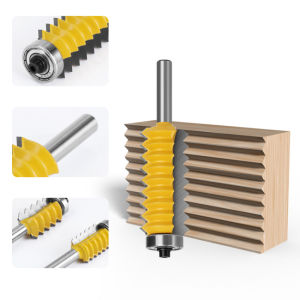
8mm Shank Finger Joint Glue Milling Cutter: A Comprehensive Guide