A Comprehensive Guide to Practical Memory Card Readers for Canon, Nikon, Sony, Fuji & Panasonic
A Comprehensive Guide to Practical Memory Card Readers for Canon, Nikon, Sony, Fuji & Panasonic
What is a Memory Card Reader?
A memory card reader is a device that allows you to transfer data from a digital camera's memory card to a computer or another storage device. It serves as a bridge between your camera and your computer, making it easy to access and manage your photos and videos.
Types of Memory Cards Supported by Memory Card Readers
Memory card readers support various types of memory cards, including SD, SDHC, SDXC, CF, XQD, and more. When choosing a memory card reader, ensure it supports the type of memory card used by your digital camera.
Benefits of Using a Memory Card Reader
Using a memory card reader offers several advantages over connecting your camera directly to your computer:
- Faster transfer speeds: Memory card readers often provide faster data transfer rates compared to connecting your camera via USB cable.
- Convenience: Simply insert your memory card into the reader, connect it to your computer, and start transferring files.
- Preservation of camera battery life: By using a memory card reader, you can avoid draining your camera's battery during file transfers.
Choosing the Right Memory Card Reader
When selecting a memory card reader, consider the following factors:
Compatibility with Canon, Nikon, Sony, Fuji & Panasonic Cameras
Ensure the memory card reader supports the type of memory card used by your digital camera. For instance, if you own a Canon, Nikon, Sony, Fuji, or Panasonic camera, make sure the reader supports SD, SDHC, SDXC, CF, or XQD cards.
Two-in-One Card Readers: A Smart Investment
Consider investing in a two-in-one card reader that supports both SD and CF cards. This allows you to use the same reader for multiple cameras, making it a versatile and cost-effective choice.
How to Use a Digital Camera Card Reader
Follow these steps to use your digital camera card reader effectively:
Connecting Your Memory Card Reader to Your Computer
- Insert your memory card into the appropriate slot on the reader.
- Connect the reader to your computer using a USB cable.
- Wait for your computer to recognize the device.
Transferring Photos and Videos from Your Memory Card
- Open the folder containing your photos and videos on your computer.
- Copy the desired files from the memory card to your computer.
- Once the transfer is complete, safely remove the memory card reader from your computer.
Safely Removing Your Memory Card Reader
Before disconnecting the memory card reader from your computer, ensure all files have been transferred and the device has been safely ejected. This helps prevent data loss or corruption.
Maintaining Your Memory Card Reader
To keep your memory card reader in good condition, follow these tips:
Cleaning and Storage Tips
- Keep the reader clean and free of dust.
- Store it in a dry place away from direct sunlight.
- Avoid exposing it to extreme temperatures.
Troubleshooting Common Issues
If you encounter problems with your memory card reader, try the following solutions:
- Restart your computer and reconnect the reader.
- Check if the memory card is properly inserted.
- Try using a different USB port.
Conclusion: Maximizing Your Digital Photography Experience with the Right Memory Card Reader
A practical memory card reader, such as those compatible with Canon, Nikon, Sony, Fuji, and Panasonic cameras, can significantly improve your digital photography workflow. By choosing the right reader and following the tips outlined in this guide, you'll be able to transfer photos and videos efficiently while protecting your investment.

TAO Electronic Accessories
Review

You May Also Like
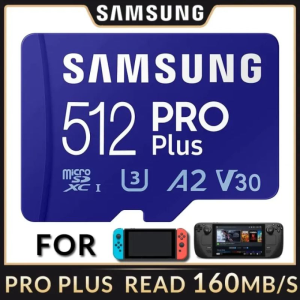
Samsung PRO Plus 128GB 256GB 512GB Micro SD Card: Class10 Read up to 160MB/s, Write up to 120MB/s - Brand New Free Shipping
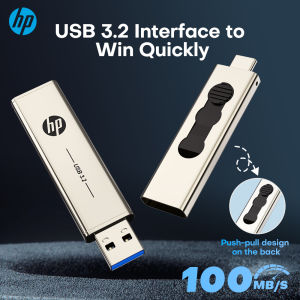
HP 256GB 2 in 1 Type C Flash Drive 64GB 128GB USB3.2 Type A OTG Dual Use USB Flash Drive for Computer Mobile Phone Mini PC
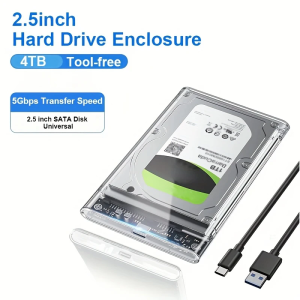
2.5 Inch HDD SSD Case SATA to USB 3.1 Type C 4TB Transparent External Hard Drive Housing Compatible UASP SATA III Laptop
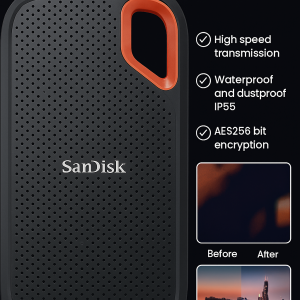
Mobild Solid Drivee SSD High Spee

Original Seagate Hard Drive Disk: 1TB & 2TB USB3.0 External Hard Drive
0.96inch Color Screen Module 128x64 SSD1306 For RPi With Protective Case Solderable Pin
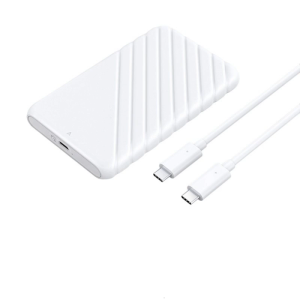
USB3.0 2.5inch External Hard Drive Enclosure Easy Installation Hard Drive Disk Box Enclosure 5Gbps Data Transfer
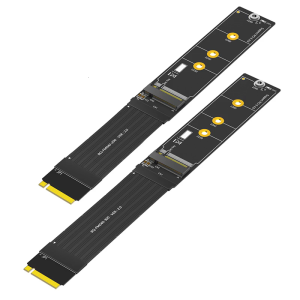
Flexible FPC M.2 NVME Extender Cable PCIe Data Transfer Boosters for 2230 2242 2260 2280 SSDs
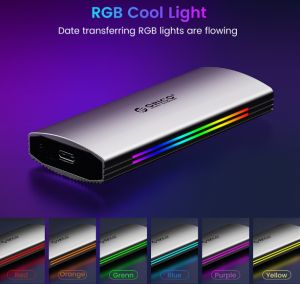
ORICO RGB 10Gbps M2 NVMe SSD Enclosure: A Comprehensive Guide
SanDisk Ultra Dual Drive Go USB Type-C (SDDDC3)
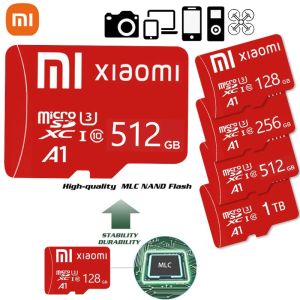
♥【Readystock】 + FREE Shipping+ COD ♥ Noble Red Card Original XIAOMI Micro SD Class 10 TF 8GB 16GB 32GB 64GB 128GB 256GB 512GB Memory Card For Smartphone Table PC