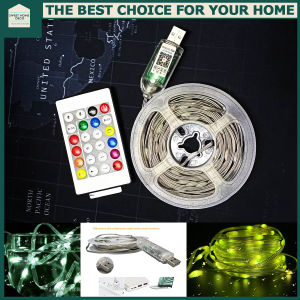
SweetHome Remote Control USB RGB 5V String Fairy LED Lights Decoration
SweetHome Remote Control USB RGB 5V String Fairy LED Lights Decoration
Introduction to SweetHome Remote Control USB RGB 5V String Fairy LED Lights
Welcome to the world of SweetHome Remote Control USB RGB 5V String Fairy LED Lights, the perfect addition to your home decor. These lights offer a unique blend of style, functionality, and versatility, making them a must-have for any American household. With their sturdy copper wire wrapped in waterproof tubes, these lights provide reliable performance and durability.
Key Features of the SweetHome Remote Control USB RGB 5V String Fairy LED Lights
SweetHome Remote Control USB RGB 5V String Fairy LED Lights come packed with features that make them stand out from the competition. Here are some of the key features:
- Dreamcolor with Bigger LED Bulbs: The larger LED bulbs emit brighter light, creating a dreamlike atmosphere in your home.
- Triple Control: Enjoy the flexibility of controlling the lights via Bluetooth app, remote control, or USB button.
- 5m 50 LED Changing Light Smart Bluetooth: This 5-meter long string of 50 LEDs offers endless possibilities for customization and personalization.
How to Choose the Right SweetHome Remote Control USB RGB 5V String Fairy LED Lights
When selecting the ideal SweetHome Remote Control USB RGB 5V String Fairy LED Lights for your home, consider the following factors:
- Light Intensity: If you prefer a brighter ambiance, opt for the Dreamcolor with bigger LED bulbs.
- Control Method: Choose the control method that best suits your needs - Bluetooth app, remote control, or USB button.
- Length: The 5-meter length provides ample coverage for most rooms and outdoor spaces.
Installation and Setup Guide for SweetHome Remote Control USB RGB 5V String Fairy LED Lights
Follow these steps to install and set up your SweetHome Remote Control USB RGB 5V String Fairy LED Lights:
Connecting the USB Cable and Powering Up the Lights
- Plug the USB cable into the power source.
- Connect the other end of the USB cable to the SweetHome Remote Control USB RGB 5V String Fairy LED Lights.
- Power on the lights by pressing the USB button.
Setting Up the Bluetooth APP and Remote Control
- Download the SweetHome Bluetooth app from the App Store or Google Play Store.
- Follow the on-screen instructions to connect the app to the lights.
- Alternatively, use the included remote control to adjust the light modes.
Using the USB Button to Change Light Modes
Press the USB button to cycle through the available light modes. Experiment with different settings to find the perfect ambiance for your space.
Tips and Tricks for Maximizing the Use of SweetHome Remote Control USB RGB 5V String Fairy LED Lights
To get the most out of your SweetHome Remote Control USB RGB 5V String Fairy LED Lights, follow these tips and tricks:
Storing and Organizing the Lights to Prevent Tangles
- Store the lights in a cool, dry place.
- Use a zip tie or rubber band to keep the string organized and prevent tangles.
Cleaning and Maintaining the Lights for Longevity
- Wipe the lights with a soft, damp cloth to remove dust and debris.
- Avoid using harsh chemicals or abrasive materials, as they may damage the waterproof coating.
Creative Ways to Decorate with SweetHome Remote Control USB RGB 5V String Fairy LED Lights
- Hang the lights around a tree or along a fence for an enchanting outdoor display.
- Wrap the lights around a mantel or staircase for a warm, inviting glow.
- Use the lights to highlight architectural features or artwork in your home.

Sweet Home Deco
Review

You May Also Like
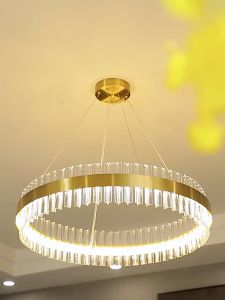
Retail And Wholesale Light Luxury Crystal Chandelier Hamiya Bedroom Restaurant High-end Atmosphere Living Room Main Lamp
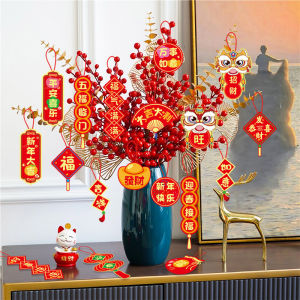
18pcs/set CNY Decoration 2026 New Year Spring Festival Pendant Fortune Tree Ornament 马年装饰挂件2026 Decoration Items 新年装饰品 New Year Ornament Housewarming
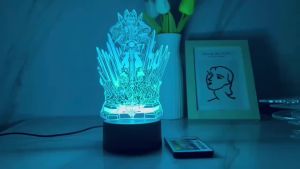
Armor Emperor Hero 3d Small Night Light Rechargeable Remote Control Birthday Gift Bedroom Bedside Desk Decorative Table Lamp
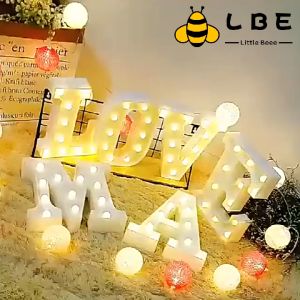
3D Letter LED Wall Hanging Sign: A Comprehensive Guide
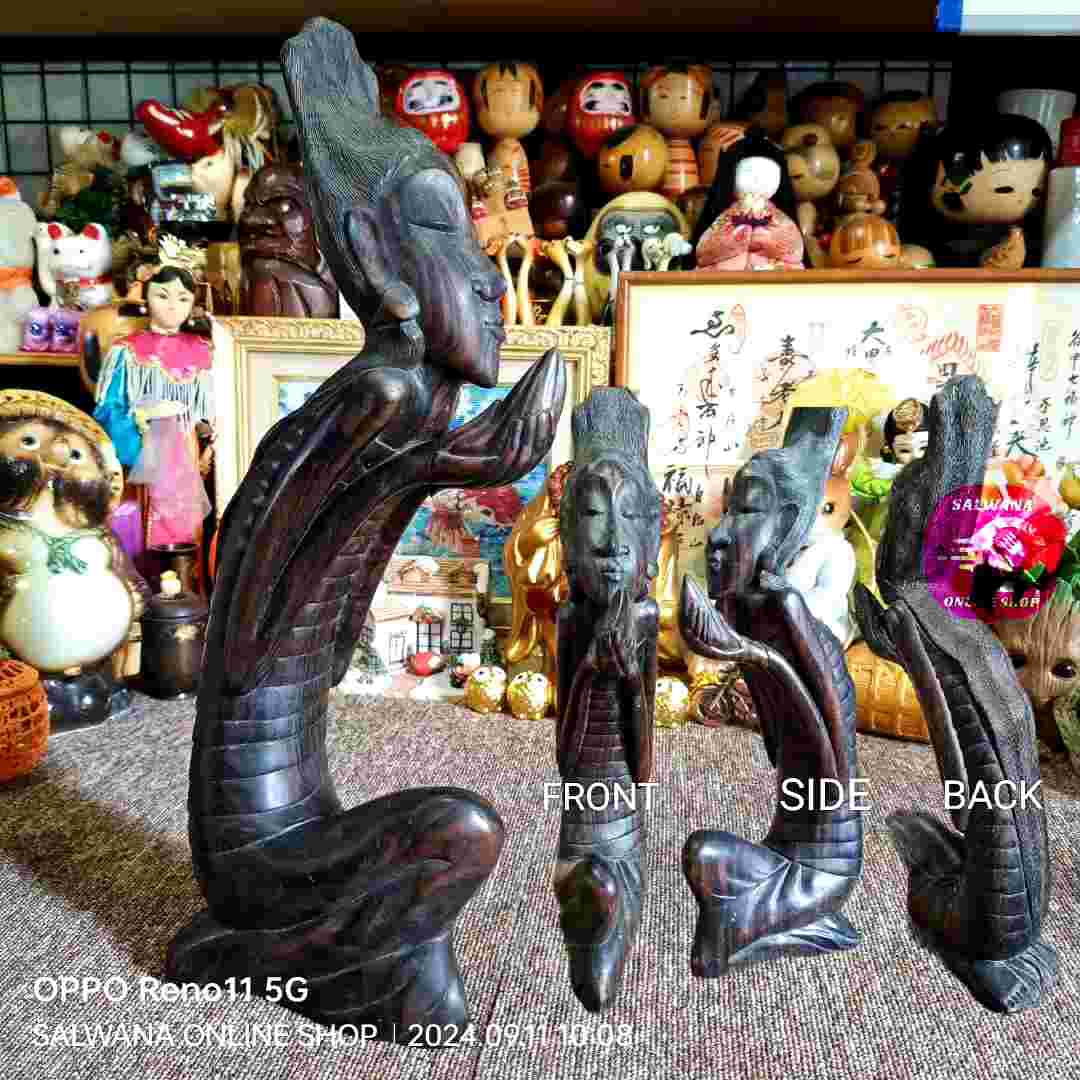
18" RARE BALI ARTISTIC SOLID WOOD SCULPTURE 2.4KG • Japan Surplus
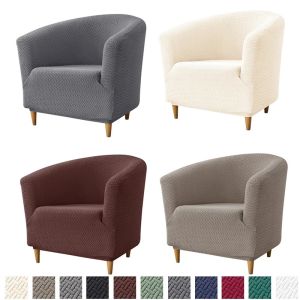
Elastic Club Chair Cover & Jacquard Tub Chairs Slipcovers: A Comprehensive Guide
![[Attracting wealth] Red electronic light Plastic Moving Gift Battery LED light adjustable single-do](https://img.lazcdn.com/g/ff/kf/S11bf27f5543649f2a365ec3c0348153aP.jpg_300x300q80.jpg)
[Attracting wealth] Red electronic light Plastic Moving Gift Battery LED light adjustable single-do
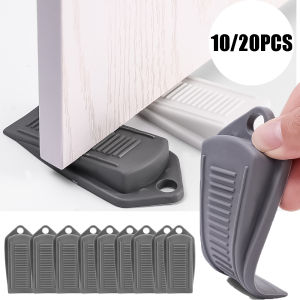
1-20pcs Safety Door Stop Door Stopper - Block Wedge Doorstops - Home Office Door Rear Retainer Anti-collision Stop - Door Stoppers for Bottom of Door
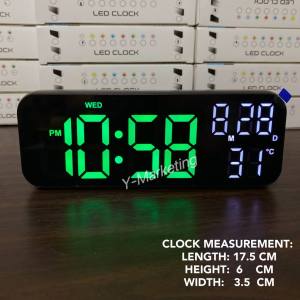
(2802) Desktop Led Digital Alarm Clock with Countdown Only
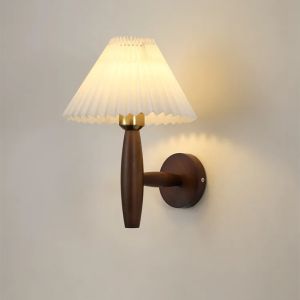
Nordic Modern Wall Lamp: Enhance Your Bedroom & Living Room Decor
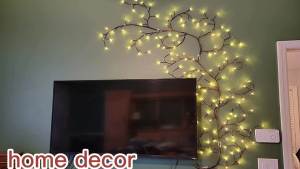
Enchanted Willow Vine Lights for Wall: 7.5FT LED Twinkling Tree Branch Light for Room and Home Decor