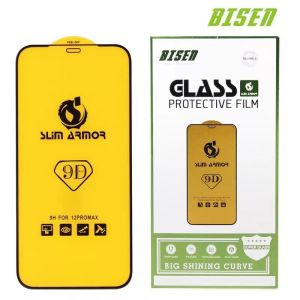
Bisen 9D Full Cover Tempered for Samsung A02 A03 A04 A04S A10 A10S A11 M11 A12 5G A13 A14 A20 A30 A50 A21 A22 A23 4G A31 A32 A33 A42 A51 A52 A53 A70 A70S A71 4G A72 A73 A80 A02S A03S A20S A21S A50 A30S A50S M31 M33 S21 FE M52 S23 S23 PLUS
Tempered Glass Installation Guide Step 1: PrepareOpen the screen protector package and set everything up on a clean, uncluttertable. You should have an alcohol wipe and a microfiber cloth in addition to the glass protector. Make sure your device is turned off. Step 2: Clean Your ScreenUse the alcohol wipe to thoroughly clean your screen, and then use the microfiber cloth to give it one last polish for good measure. Step 3: Remove the Protective LayerThere’s a protective plastic film on one side. Remove it to expose the adhesive side of the glass, but be sure to hold it by the edges so that you don’t leave fingerprints on the surface. This side will be going face down on your device screen.Step 4: AlignmentMake sure to align the glass with the display portion of your screen. The glass should line up evenly with the front speaker and home button, and it should run parallel with the screen length-wise.Step 5: Press It OnOnce the glass protector has been properly aligned, carefully lay it down on the screen. If you make a mistake and the glass looks off-kilter, you can gently lift it up and realign it. Then, once the protector is on the screen, give it a soft press in the center and allow the adhesive surface to grip to the screen naturally. Step 6: Final TouchesIf there are any bubbles remaining -- and there may not be -- use the cloth provided to gently smooth them toward the edges of the glass protector.

OMG.YYDS
You May Also Like
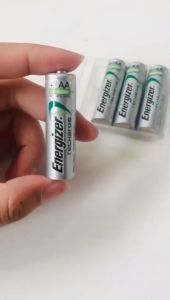
100% Original Energizer Rechargeable AA /AAA Battery 1.2V 2800mAh 2450mah 900mah For cameras toys
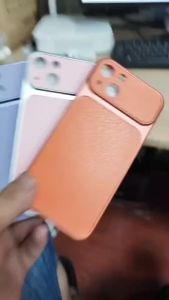
Case For Huawei Honor 50 50Se 60 70 80 90 Pro 80Se 80Gt 200 Lite 200 Pro 5G Lychee Minimalist Lambskin Wireless Magnetic Phone Case
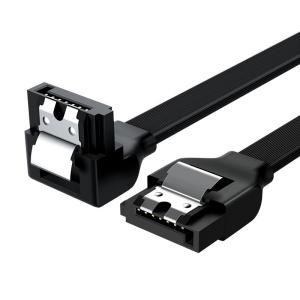
SHENGSHICHANGYING | Bent Header SATA 3.0 Data Cable
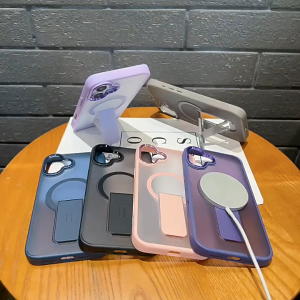
For iPhone 16 Pro Max Magnetic Case For iPhone 11 12 13 14 15 Pro Max 12 Pro Max 13 Pro Max 14 Pro Max Ultra-thin Matte Liquid Silicone bracket Shockproof Phone Case Magsafe Wireless Charging Case High Quality Shockproof Case
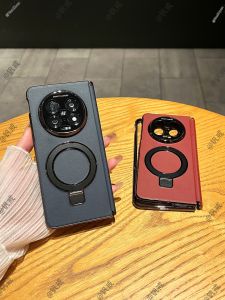
Ultra-thin Full-enclosure Magnetic Stand Protective Case
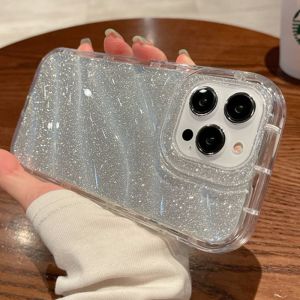
IPhone 11 Case 3D Glitting Wave Edge Phone Case For iPhone 11/XR 17 Pro Max 13 14 15 12 16 Pro Max iPhone 15 Pro Max 14Pro Max 6s Plus 7 Plus 8 Plus SE 2020 X XS Max 14 15 Plus Airbag Crystal Phone Case Silicone Soft Phone Casing Anti-fall Phone Cover
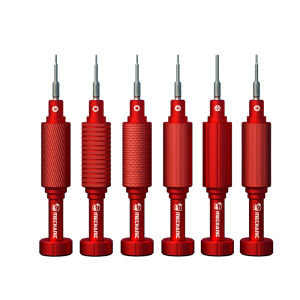
MECHANIC | Multifunctional Screwdriver 3D Bits
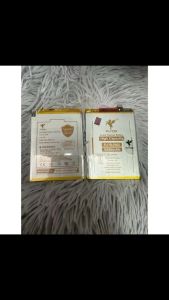
Linshun blp805 flycdi battery oppo A53 2020 A32 2021 A54 4g A16 realme c17 replacement batteries 5500mah
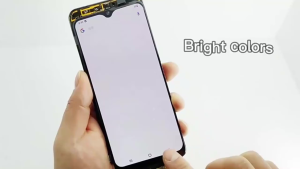
Realme LCD Realme C33 C30 C31 C30S LCD Touch Screen Display Assembly for Replacement

Newyu | AR Clear Corning Glass Lens Protector
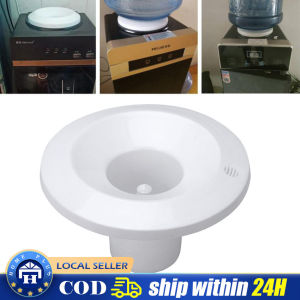
【Local delivery】 Universal Water Cooler Dispenser Smart Seat Waterguard Assembly Bottle Holder Replacement Part for Bottled Water Coolers HSQ-Water-Dispenser-Smart-Seat