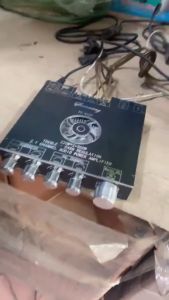
Manila Stock Maonocaster AME2 Mixer Audio Interface: A Complete Guide
Manila Stock Maonocaster AME2 Mixer Audio Interface: A Complete Guide
Introduction to the Manila Stock Maonocaster AME2
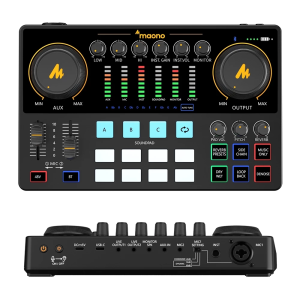
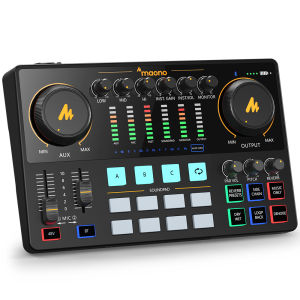
The Manila Stock Maonocaster AME2 is a professional-grade sound card complete set designed specifically for guitar recording and streaming audio interfaces. This versatile device comes equipped with 48V phantom power for microphones, making it ideal for capturing pristine sound quality from both dynamic and condenser microphones. Whether you're a seasoned musician or just starting out, the Maonocaster AME2 offers the perfect combination of features and performance to elevate your music production.
Package Contents & Warranty
The Manila Stock Maonocaster AME2 comes with a comprehensive package, ensuring that you have everything you need to start recording immediately. Here's what you'll receive:
- 1 x Audio Interface
- 1 x XLR Condenser Mic
- 1 x Earphone
- 1 x XLR Microphone Cable
- 1 x Shock Mount
- 1 x Table Stand
- 1 x Windscreen Muff
- 1 x Metal Pop Filter
- 1 x USB A-C Charging Cable
- 2 x 3.5mm TRRS Audio Cable
- 1 x User Manual
Additionally, we offer a 12-month warranty to protect your investment. For a better user experience, please download more instructions below and read the user manual before setting up.
Setup Instructions
To get started with the Manila Stock Maonocaster AME2, follow these simple steps:
- Connect the audio interface to your computer using the included USB A-C charging cable.
- Plug the XLR condenser mic into the audio interface using the XLR microphone cable.
- Place the shock mount on the table stand and attach the windscreen muff and metal pop filter to the microphone.
- Connect the earphone to the audio interface using one of the 3.5mm TRRS audio cables.
Once everything is connected, you're ready to start recording!
How to Use the Audio Interface for Guitar Recording
Using the Manila Stock Maonocaster AME2 for guitar recording is easy and straightforward. Follow these steps:
Connecting Your Guitar & Microphone
- Plug your guitar into the audio interface using a standard 1/4-inch cable.
- Connect the XLR condenser mic to the audio interface using the XLR microphone cable.
Setting Up the Audio Interface
- Open your preferred DAW (Digital Audio Workstation) software.
- Select the Manila Stock Maonocaster AME2 as your audio interface.
- Adjust the input levels for your guitar and microphone to ensure optimal sound quality.
Now you're ready to start recording your guitar tracks!
Tips for Optimal Performance
To get the best performance out of your Manila Stock Maonocaster AME2, keep these tips in mind:
Choosing the Right Microphone & Cables
Selecting the right microphone and cables is crucial for achieving the desired sound quality. The included XLR condenser mic is a great choice for capturing clear, detailed sound, while the included cables ensure reliable connections.
Setting Up Your Recording Environment
Creating a quiet, acoustically treated space is essential for recording high-quality audio. Consider investing in acoustic panels or foam to minimize unwanted noise and reflections.
Troubleshooting Common Issues
If you encounter any issues while using the Manila Stock Maonocaster AME2, refer to these troubleshooting tips:
Connectivity Problems
- Ensure that all cables are securely connected.
- Restart your computer and try reconnecting the audio interface.
- Check if there are any software conflicts by updating your operating system and drivers.
Audio Quality Concerns
- Adjust the input levels for your guitar and microphone to avoid clipping or distortion.
- Experiment with different microphone positions and distances to find the optimal sound.
- Use the included pop filter and windscreen muff to minimize unwanted noise.
By following these tips and guidelines, you'll be well on your way to creating professional-quality recordings with the Manila Stock Maonocaster AME2.

MAONO
Review
You May Also Like
Linsoul KZ ZS10 Pro 4BA+1DD 5 Driver in Ear Monitor HiFi Wired Earbuds Gaming Earbuds Hybrid IEM Earphones with Stainless Steel Faceplate Detachable Cable for Musician(with Mic Glare Blue)
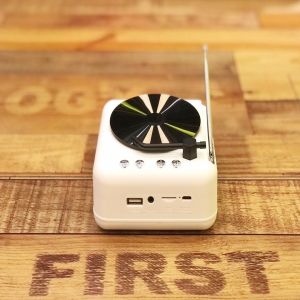
A Comprehensive Guide to the Retro Record Player & Wireless Bluetooth Speaker Multifunction Mini Audio
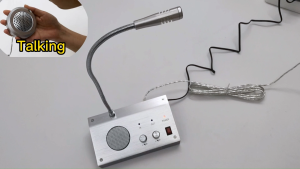
Window mic and speaker intercom Wireless Two Way Speaker Mic and Dual Way Window Microphone for Counter / Parking Lot / Bank / Qffice All-Metal Panel for Greater Durability
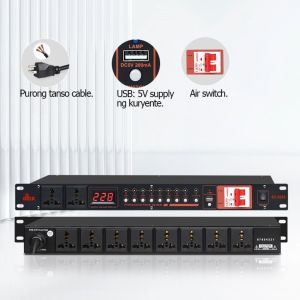
DBX/SV-108/208/2028 Power Controller: A Comprehensive Guide
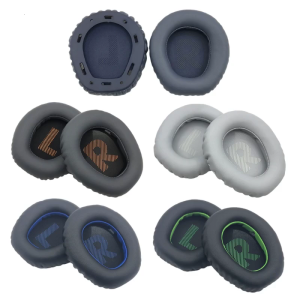
Replacement Earpads Ear Cushions Soft Spong Earpad for Quantum 100 Q100 Headphones Earpad Soft Foam Ear Pads Cushion
![[COD] PkYeG Tool Replacement Headphone Volumn Controller Power Slider For G933 G633 G935 G533 G733 A50 Gaming Headset](https://img.lazcdn.com/g/p/e74447bd23aea252d9a8cc0c5cb62010.jpg_300x300q80.jpg)
[COD] PkYeG Tool Replacement Headphone Volumn Controller Power Slider For G933 G633 G935 G533 G733 A50 Gaming Headset
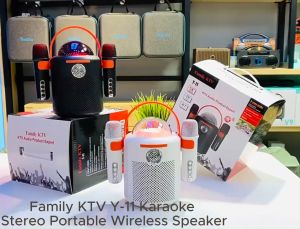
Y-11 Family KTV Karaoke Stereo Portable Wireless Shocking Bass Sound RGB Bluetooth Speaker with Two Wireless Microphone
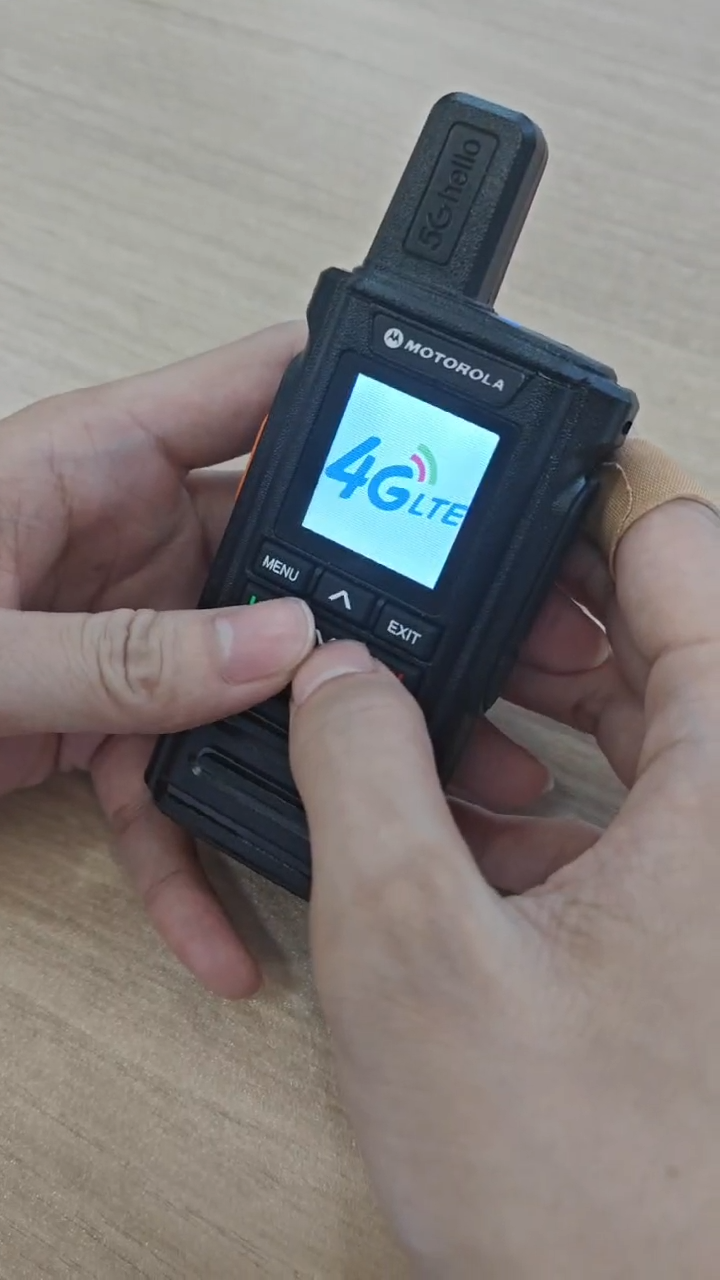
Motorola Zello T99 Advanced Two-Way Radio 4G LTE WiFi Long Range 5000KM 5000mAh Waterproof Rugged IP54 GPS Tracking Bluetooth Android Compatible
Colorful LED Portable Speaker: Unleashing the Power of BTS-1739
2024 Original AC 220V 12v 24v Bluetooth Audio Amplifier Karaoke Amplifier Hifi Stereo Multi-purpose Power Amplifier
AM-5529 FM/AM/TV/SW Portable Radio High Sensitivity Antenna Rechargeable Speaker