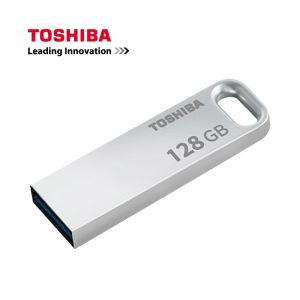
Toshiba USB Flash Drive: Waterproof & Metal Shockproof
Toshiba USB Flash Drive: Waterproof & Metal Shockproof
Key Features & Benefits
High-Speed Pen Drive
The Toshiba USB flash drive is designed to provide high-speed data transfer, making it ideal for users who require quick access to their files. With its high-speed capabilities, you can easily transfer large files, such as videos and photos, without having to wait for long periods.
Multiple Capacities Available
The Toshiba USB flash drive comes in various capacities, including 8GB, 16GB, 32GB, 64GB, 128GB, and even 256GB. This wide range of storage options ensures that you can find the perfect fit for your needs, whether you're looking for a small, portable device or a larger storage solution.
Water & Shock Resistant Design
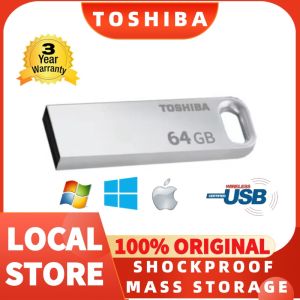
One of the standout features of the Toshiba USB flash drive is its water and shock-resistant design. This makes it perfect for outdoor use, as it can withstand accidental drops and splashes. Additionally, the metal casing provides added protection against physical damage, ensuring that your data remains safe and secure.
Real Capacity Explained
Manufacturer vs. PC Calculation Differences
It's important to note that the actual capacity of the Toshiba USB flash drive may differ slightly from what is advertised by the manufacturer. This is due to the way that manufacturers calculate storage capacity versus how it is calculated by your computer's operating system.
Understanding Decimal & Binary Arithmetic
Manufacturers use decimal arithmetic when calculating storage capacity, which means that 1MB is equal to 1000KB, and 1GB is equal to 1000MB. However, your computer's operating system uses binary arithmetic, which means that 1MB is equal to 1024KB, and 1GB is equal to 1024MB. As a result, the actual capacity of the flash drive will be slightly less than what is advertised by the manufacturer.
To help you better understand this, here is a breakdown of the real capacity of the Toshiba USB flash drive:
- 16GB = approximately 14GB-15GB
- 32GB = approximately 28GB-30GB
- 64GB = approximately 58GB-60GB
- 128GB = approximately 115GB-118GB
- 256GB = approximately 230GB-236GB
How to Use Your Toshiba USB Flash Drive
Plug & Play Convenience
Using the Toshiba USB flash drive is incredibly simple. All you need to do is plug it into any available USB port on your computer, and it will automatically be recognized by your operating system. From there, you can easily copy and paste files onto the drive, or use it to transfer files between devices.
Hardware Requirements
To use the Toshiba USB flash drive, you'll need a computer with a USB port. It is compatible with both Windows and Mac operating systems, so you don't have to worry about compatibility issues.
Operating & Storage Temperature Ranges
The Toshiba USB flash drive has been designed to operate within a specific temperature range, ranging from 0°C to 60°C. Additionally, it can be stored at temperatures ranging from -20°C to 85°C, making it suitable for use in a variety of environments.
In conclusion, the Toshiba USB flash drive is a reliable and durable storage solution that offers high-speed data transfer, multiple storage options, and a water and shock-resistant design. Whether you're looking for a small, portable device or a larger storage solution, the Toshiba USB flash drive is the perfect choice for your needs.

Chai knows
Review
You May Also Like
🔥100%Original Product+FREE Shipping+Free Send adapter+card reader🔥Ready Stock Kingston High Endurance MicroSD Card Class10 64GB 32GB 128GB Memorias Micro SD Fast Delivery
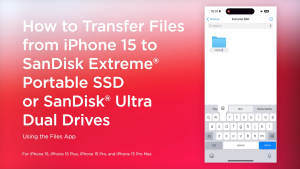
Sandisk Ultra Dual Drive Luxe USB Type-C ~ 1TB (SDDDC4)
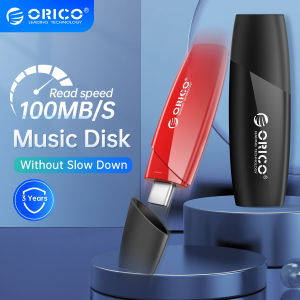
ORICO 100MB/S USB Flash Drive Pen Drives 32GB 64GB 128GB 256GB USB 3.0 Pen Drives Flash USB Stick For Computer TV Car Audio
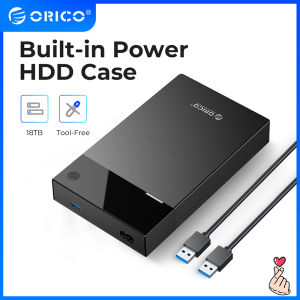
ORICO 3.5 Inch HDD Case: Built-in Power & UASP Support for 16TB HDD
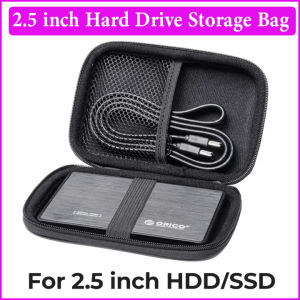
Hard Drive Case 2.5 Inch HDD Box External Drive Storage Carrying Bag Portable Shockproof Hard Drive Bag for HDD hdd box case storage Protection for Organizing HDD and Electronic Accessories
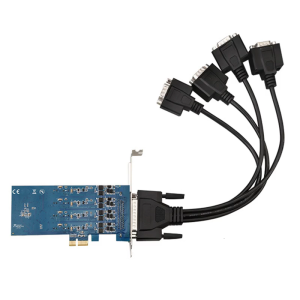
PCIExpress2.0 x1 DB9 RS422/485 Serial with Asynchronous Full Communication Capability

The Midnight Special TV show V3 from the 1970s Episodes 20 to 29 Video Collection English DUBBED on 32GB Flash Drive Includes Free Surprise Gift
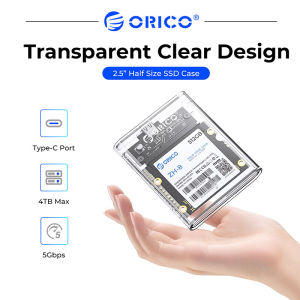
ORICO 2.5" HDD/SSD Enclosure USB 3.1 5Gbps SATA to Type C SSD ard Drive Enclosure HDD Adapter SATA SSD Box for 2.5" Half Size SATA III SSD (TC8-25)
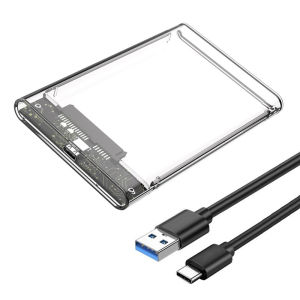
USB 3.0 Harddisk Box Type C to SATA III Hard Disk Case 2.5 Inch HDD SSD External Enclosure Hard Drive Disk Box External HDD Case
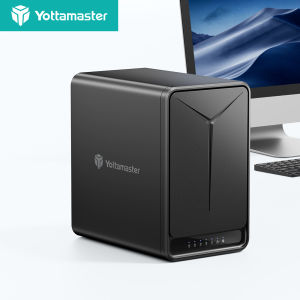
Yottamaster DM500: A 110TB Enterprise Cloud Storage Solution
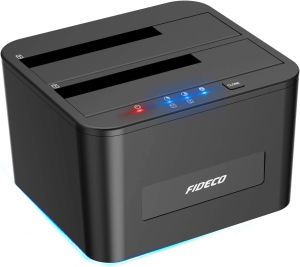
FIDECO Dual Bay Offline Cloning USB 3.0 5Gbps 2.5 3.5 Inch HDD SSD 1 to 1 Duplicator SATA ABS Clone Docking Station